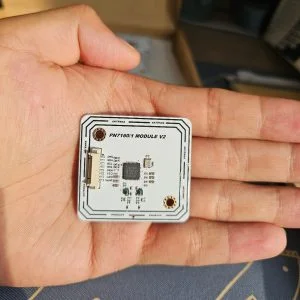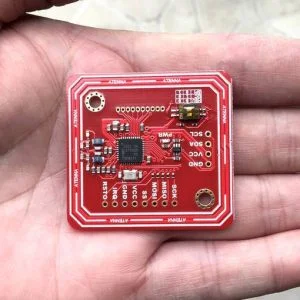
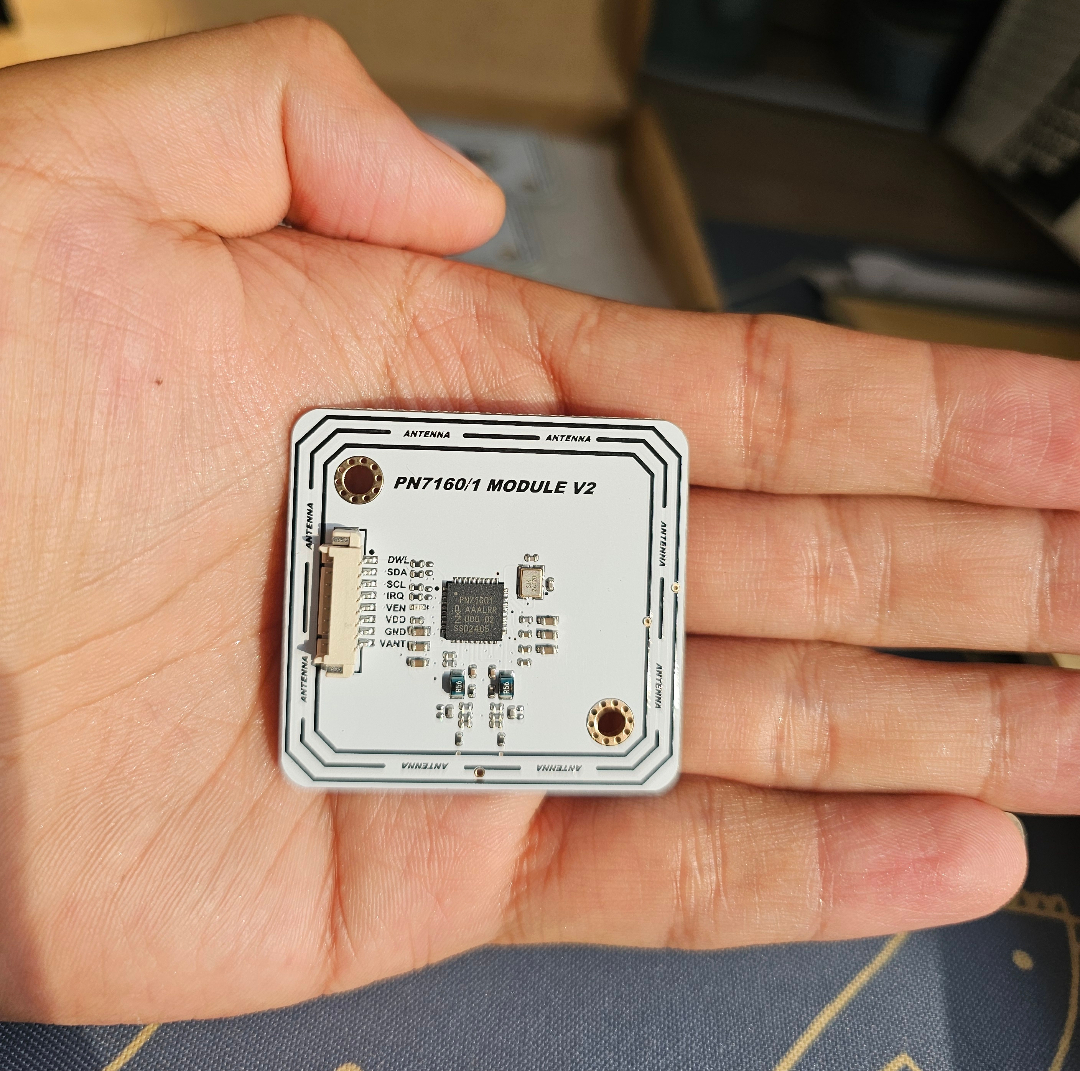
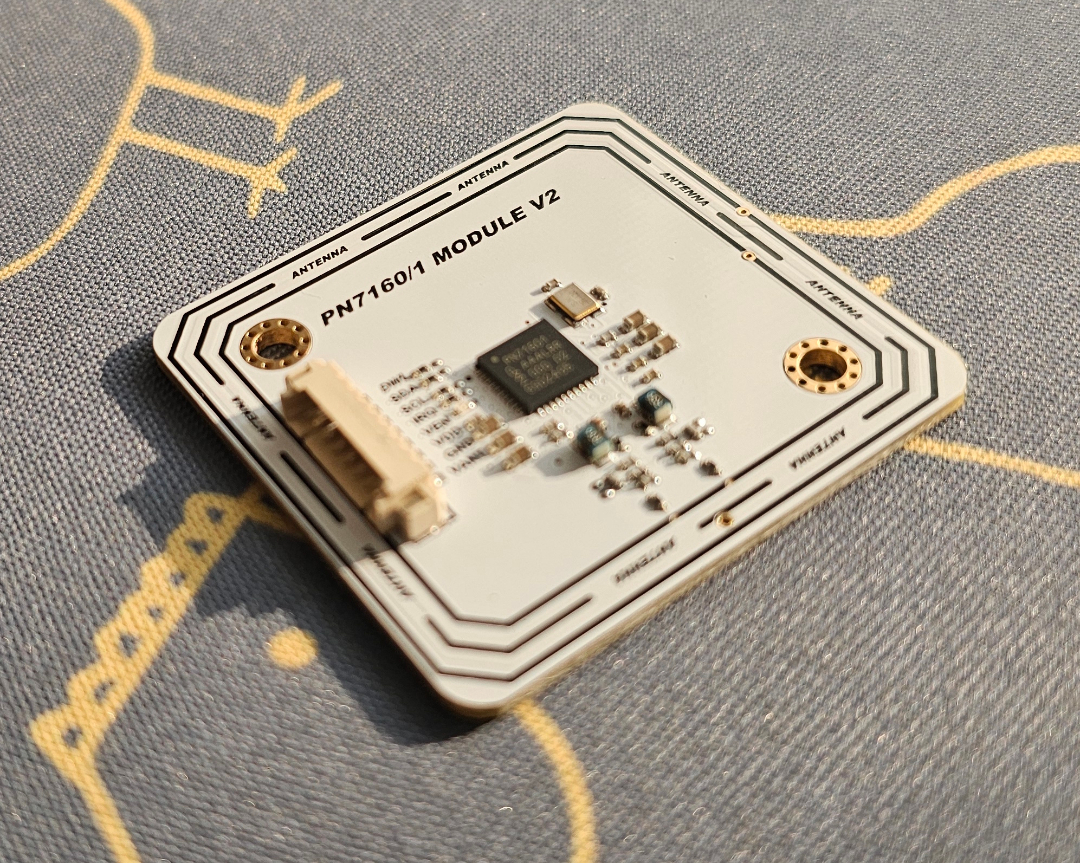
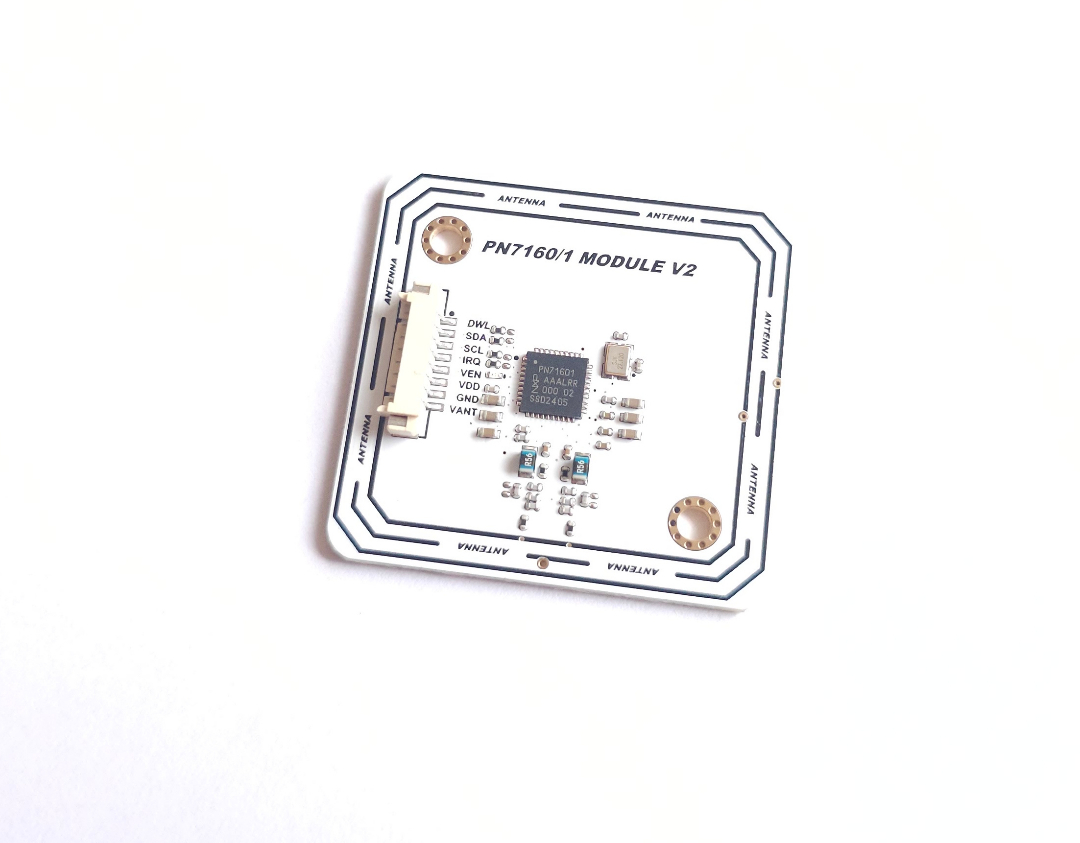
The PN7160 NFC RFID Module is built around the NXP PN7160 controller, a full-featured NFC chip with integrated firmware and native Linux/Android driver support. It supports all NFC Forum modes and interfaces via I2C, making it suitable for Raspberry Pi, Linux-based systems, and embedded Android platforms.
Who This Module Is For
- Developers building NFC into Linux or Android-based systems
- Engineers using Raspberry Pi or i.MX-based platforms
- System integrators requiring full NFC Forum compliance (reader, P2P, card emulation)
- OEM/ODM customers building production devices with embedded NFC
Core Advantages
- Integrated NCI 2.0 firmware — reduces host MCU workload and code size
- NXP Linux middleware support (linux_libnfc-nci) for Raspberry Pi and i.MX; host installation and configuration are required
- All NFC Forum modes: Reader/Writer, Peer-to-Peer, Card Emulation
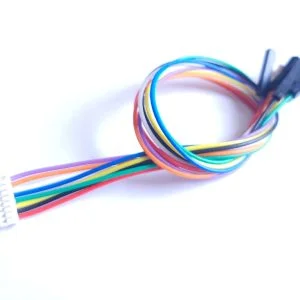
- Lockable 8-pin 1.25mm I2C connector — secure connection for integration
- Dynamic power control and active load modulation for extended range
- Upgrade path available: PN7161 adds Apple ECP support
Key Specifications
| Chip | NXP PN7160 |
| Interface | I2C (8-pin 1.25mm lockable socket) |
| NFC Protocol | NCI 2.0 |
| Supply Voltage (VDD) | 1.8V or 3.3V |
| Antenna Voltage (VANT) | 3.3 V or 5 V; software preset must match the connected RF supply |
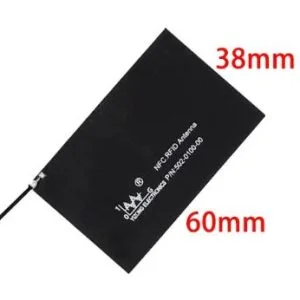
| Antenna | On-board integrated PCB antenna |
| Board Dimensions | 42.83mm × 40.53mm |
| Certifications | CE, RoHS |
Supported NFC Modes and Protocols
- Reader/Writer: ISO 14443A/B, FeliCa, MIFARE 1K/4K, NFC Forum Type 1–5, ISO 15693
- Peer-to-Peer: Passive and active, initiator and target
- Card Emulation: NFC Forum Type 3, Type 4A/B
PN7160 to ESP32 Typical Wiring
| PN7160 | ESP32 | Notes |
|---|---|---|
| SDA | GPIO21 | I2C data |
| SCL | GPIO22 | I2C clock |
| IRQ | GPIO14 | Interrupt |
| VEN | GPIO13 | Enable / reset |
| VDD | 3.3V | Logic supply |
| VANT | 3.3 V or 5 V | RF / antenna supply; select the matching software preset |
| GND | GND | Common ground |
| DWL | GPIO19 | Optional control pin |
RF Supply and Library Configuration
VANT supports either 3.3 V or 5 V. VDD is the host-I/O logic supply and must match the host logic level; do not connect 5 V to VDD. The physical VANT voltage and the software power preset must match. The module does not auto-detect VANT. Verify that the selected host or external VANT rail has enough current capacity for RF peaks.
| RF supply mode | Power wiring for a 3.3 V host | ELECHOUSE library setting |
|---|---|---|
| 3.3 V RF supply | VDD=3.3 V, VANT=3.3 V, common GND | Use library source version 3.1.2, commit 10a1cb2 or later and set PN71XX_FIXED_VBAT_3V3 1. |
| 5 V RF supply | VDD=3.3 V, VANT=5 V, common GND | Use the normal external-5V preset and set PN71XX_FIXED_VBAT_3V3 0. |
For the repository’s shared I2C examples, define the power mode before including Electroniccats_PN71xx_ExampleTransport.h:
#define PN71XX_USE_SPI 0
#define PN71XX_FIXED_VBAT_3V3 1  // 1 for 3.3 V VANT; 0 for 5 V VANT
These macros take effect through pn71xxConfigureExampleTransport(nfc). In a custom I2C sketch, explicitly select PN7160 in the constructor; the shorter three-argument I2C constructor defaults to PN7150 and will not use the PN7160/PN7161 power path:
Electroniccats_PN7150 nfc(IRQ_PIN, VEN_PIN, 0x28, PN7160);A custom sketch that does not use the shared helper must also call the setter directly. For manual initialization, call connectNCI(), then select setPn7160FixedVbat3V3(true) for 3.3 V or false for 5 V, and then call configureSettings(). Because begin() calls configureSettings() internally, select the preset before calling begin() when using that shortcut path. Do not switch VANT while powered; power down before changing the wiring or preset.
Arduino / Linux distinction: the setter, macros, and shared helper above configure only the ELECHOUSE Arduino/ESP32 library. They do not configure NXP’s Linux NFC stack. The copy-paste ELECHOUSE 3.3 V Linux procedure is still being validated; use a known-good 5 V Linux configuration for the exact middleware/module combination or contact ELECHOUSE support until that procedure is published.
Compatible Platforms
- Raspberry Pi (via I2C — Quick Start guide included)
- ESP32 in Arduino IDE (guide and video included)
- Linux with libnfc-nci (NXP official driver)
- Android (NCI 2.0 compliant)
- LPC, Kinetis, i.MX-based systems
Reading Performance
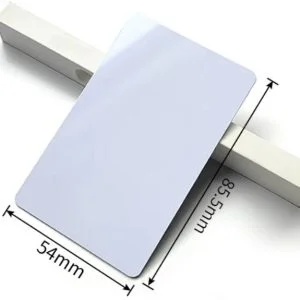
| Condition | Mifare M1 (85×54mm card) | Round Mifare M1 (25mm) |
|---|---|---|
| Without ferrite | 8.5 cm | 5.8 cm |
| With ferrite underlying | 5.0 cm | 3.0 cm |
Reading-distance test condition: the published values in the table above were measured with VDD=3.3 V and VANT=5 V. They do not claim identical range or power consumption at 3.3 V VANT.
Typical Use Cases
- Raspberry Pi NFC reader/writer applications
- Linux-based access control and payment systems
- Smart home NFC integration (Android)
- Industrial NFC readers with card emulation
- Contactless payment and identification prototypes
Quick Start
- Connect the module to your Raspberry Pi or ESP32 via the I2C interface (8-pin 1.25mm connector)
- For Raspberry Pi: follow the Quick Guide (I2C) to install linux_libnfc-nci
- For ESP32 in Arduino IDE: follow the ESP32 Guide
- Run a card detection example to verify the connection
For I2C address configuration, refer to the I2C address setting guide.
Frequently Asked Questions
- Does this module work on Raspberry Pi without additional software?
- You need to install the linux_libnfc-nci driver (NXP official). The setup guide is included in the downloads.
- What is the difference between PN7160 and PN7161?
- PN7161 adds the related Enhanced Contactless Polling (ECP) reader hardware capability. Apple Wallet / Apple VAS authorization, certification, and application software remain the customer’s responsibility. If ECP hardware is not required, PN7160 is sufficient.
- Can I use this with Arduino?
- Yes. An ESP32 + Arduino IDE guide is included. For standard Arduino boards (Uno, Mega), the I2C interface works but the Linux driver ecosystem is limited — Raspberry Pi or ESP32 is recommended.
- What connector type does it use?
- The module uses an 8-pin 1.25mm pitch lockable (MX1.25) I2C connector for secure cable attachment.
- Does it support card emulation?
- Yes. The PN7160 supports NFC Forum Type 3 and Type 4 (A&B) card emulation via the NCI 2.0 firmware.
Compare This Module
Downloads
- PN716x I2C Module Datasheet (PDF)
- Quick Guide — PN7160 with Raspberry Pi
- Guide — PN7160 with ESP32 in Arduino IDE
- I2C Address Setting
- PDF Schematic
- Module Dimension
- Board Dimension DXF (ZIP)
- 3D File
- CE Certificate
- RoHS
- ELECHOUSE_PN7150_PN7160 (GitHub)
- Video: PN7160 with ESP32
Related Documentation and Selection Guides
- PN7160 Documentation
- PN532 vs PN7160 vs ST25R3916
- Best NFC Module for Raspberry Pi / Linux
- Best NFC Module for ESP32
- NFC for Access Control
- NFC for IoT & Smart Home
- Connector Selection Guide
OEM / Custom Orders
ELECHOUSE provides OEM and ODM services for the PN7160 module. Learn more or contact us.
RFID & NFC Module Selection Guide
Not sure which module fits your project? See the full comparison with protocol support, interface options, and use case guidance in our RFID & NFC Module Selection Guide.
Wiring Reminder
For a 3.3 V host, connect VDD to 3.3 V and GND to GND. Connect VANT to either 3.3 V or 5 V, then compile and run with the matching power preset described above.